
Test it out
Capture the night from every angle.
QR Party is a focused event photo gallery. Guests join with a QR code (web or App Clip), share shots in real time, and you keep control of the guest list and reveal — all from the admin app.

In the app
The same polish guests and hosts already feel on iPhone.
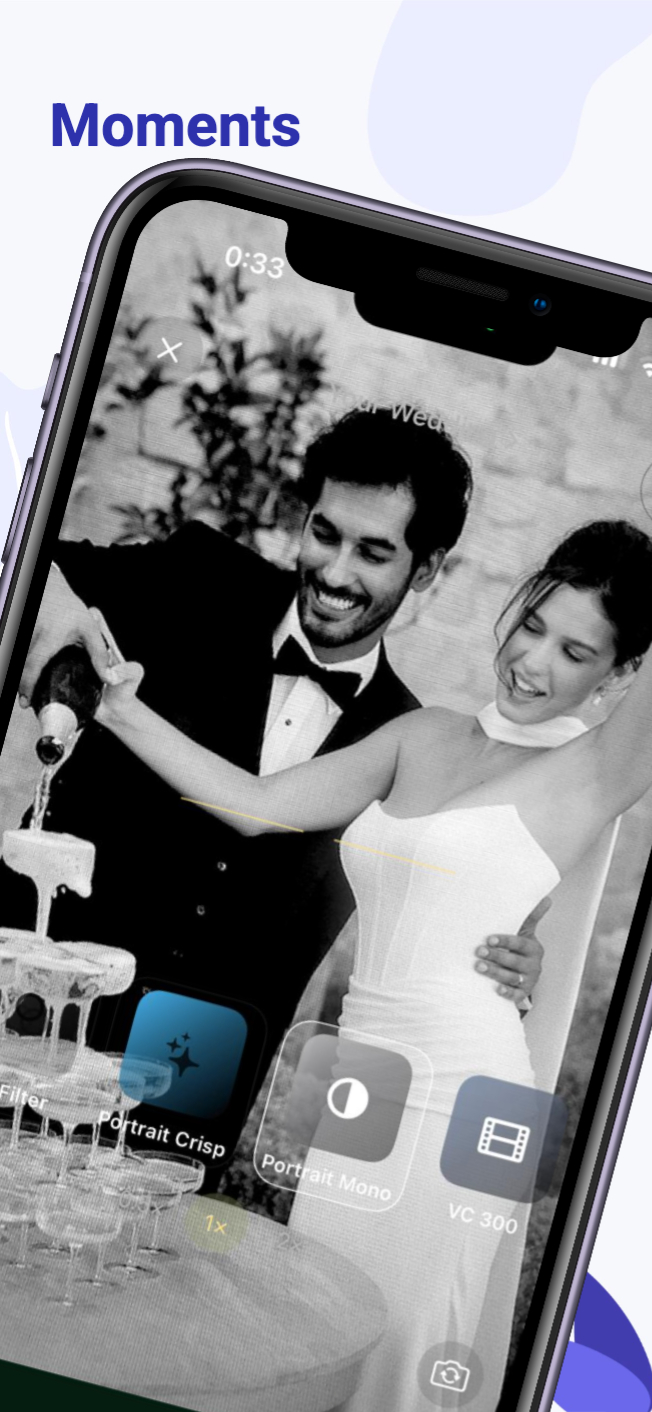
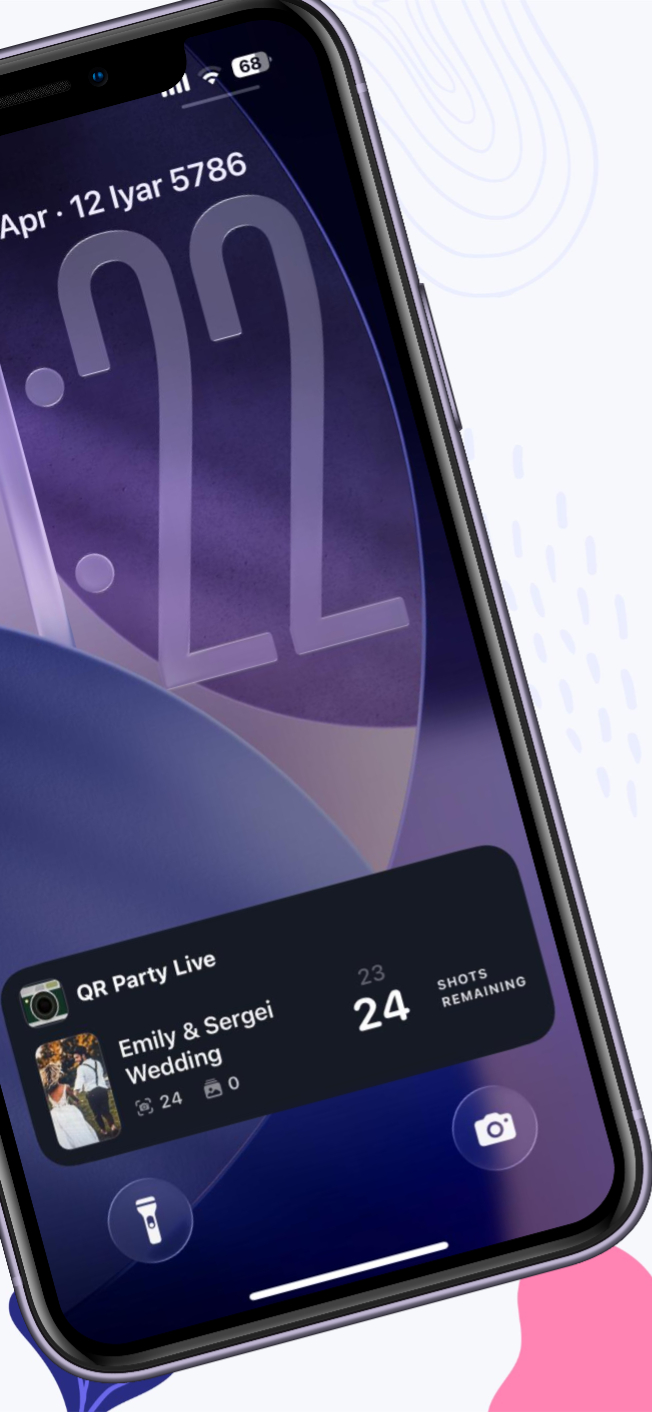
Swipe through real screens — gallery, capture, and controls stay on-brand end to end.


Use cases
“Your guests captured moments
you never saw.”
How it works
How a day becomes a gallery.
Step 01
Create an event
Sign in on the web, name your event, and set the guest limit and timing that fit your night.
Step 02
Share the QR
Put the QR on tables, a screen, or a card. Guests open the gallery instantly — no friction.
Step 03
Shoot together
Photos land in one shared feed. You choose when everyone sees the full roll — or reveal early.
FAQ
Frequently asked questions
Do guests need an app?+
They can use the browser from your QR link. On iPhone, your App Clip experience can open the same gallery even faster.
Who can upload photos?+
Only guests you allow — the gallery is tied to your event and guest cap, not the open web.
Where do I manage everything?+
Hosts use the web admin and the QR Party admin app for settings, QR codes, and reveal timing.
The night happens once.
Don’t let it fade away.
Create your eventOne link, one QR, one gallery — remembered together.